Ready File Tools · 12 October 2026
First read what the destination actually accepts
Some forms accept only an image even when your source is a PDF. Before converting, write down the accepted format, maximum file size, maximum dimensions and whether the form wants one image or several separate uploads. Converting first and checking the rules later can create unnecessary quality loss.
Choose JPG or PNG for the kind of page you have
| Format | Good starting use | Trade-off |
|---|---|---|
| JPG | Photos, scans, mixed image pages | Usually smaller, but compression can soften fine edges |
| PNG | Text-heavy pages, diagrams, sharp line art | Lossless image output can be larger |
Neither format preserves selectable PDF text, hyperlinks or form fields. The result is an image of the page. If you need the words as editable text, use PDF to text for an existing text layer or OCR in PDF editor for a scanned page.
Use resolution as a quality control, not a status symbol
More resolution is not always better for an upload form. A higher setting creates more pixels, which can increase memory use and file size. Start with a moderate value such as 108 DPI when the page will be viewed on screen. Compare 144 DPI when small labels, thin strokes or tiny numbers are difficult to read. The tool also applies device-protection caps to very large pages.
Open the downloaded image at its actual pixel dimensions. Zooming a preview far beyond 100% can make a perfectly usable output look worse than it will appear in the receiving form.
Convert only the pages the form needs
If the form asks for one page, enter that page number instead of exporting all 50 pages. Multiple selected pages create separate image files, not one tall image. When several files are produced you can download them together as a ZIP, but a destination that accepts images may require you to unpack the ZIP and upload each image separately.
What to review before uploading
- Check names, dates, reference numbers and small print.
- Confirm the image is the correct page, especially when the PDF has a cover.
- Use File checker or your device file information to verify the finished size.
- If the destination gives a width or height limit, use Image tools after conversion to fit those dimensions while preserving proportions.
- Keep the original PDF; an image export is a derivative copy, not a replacement for the source.
If the result is too large
Try JPG when the content is photographic, lower the resolution one step, or use Image tools on the exported page. Do not repeatedly save a JPEG at progressively lower quality unless you have compared the small text after each step; repeated lossy compression can accumulate artifacts.
If the result is hard to read
Return to the original PDF and try a higher resolution or PNG. If the original page itself is blurred, conversion cannot restore detail that is not present in the source. For OCR, a clear upright source usually matters more than exporting an excessively large image.
Measured example: one page at two resolutions
We exported the same synthetic Letter page (612 × 792 points) at 108 and 144 DPI. It contains 6–14 pt text and thin lines, with no photos. These are the actual downloadable file sizes, not estimates.
| Resolution | Pixel dimensions | PNG (bytes) | JPG (bytes) |
|---|---|---|---|
| 108 DPI | 918 × 1188 | 114,010 | 115,856 |
| 144 DPI | 1224 × 1584 | 150,164 | 168,138 |
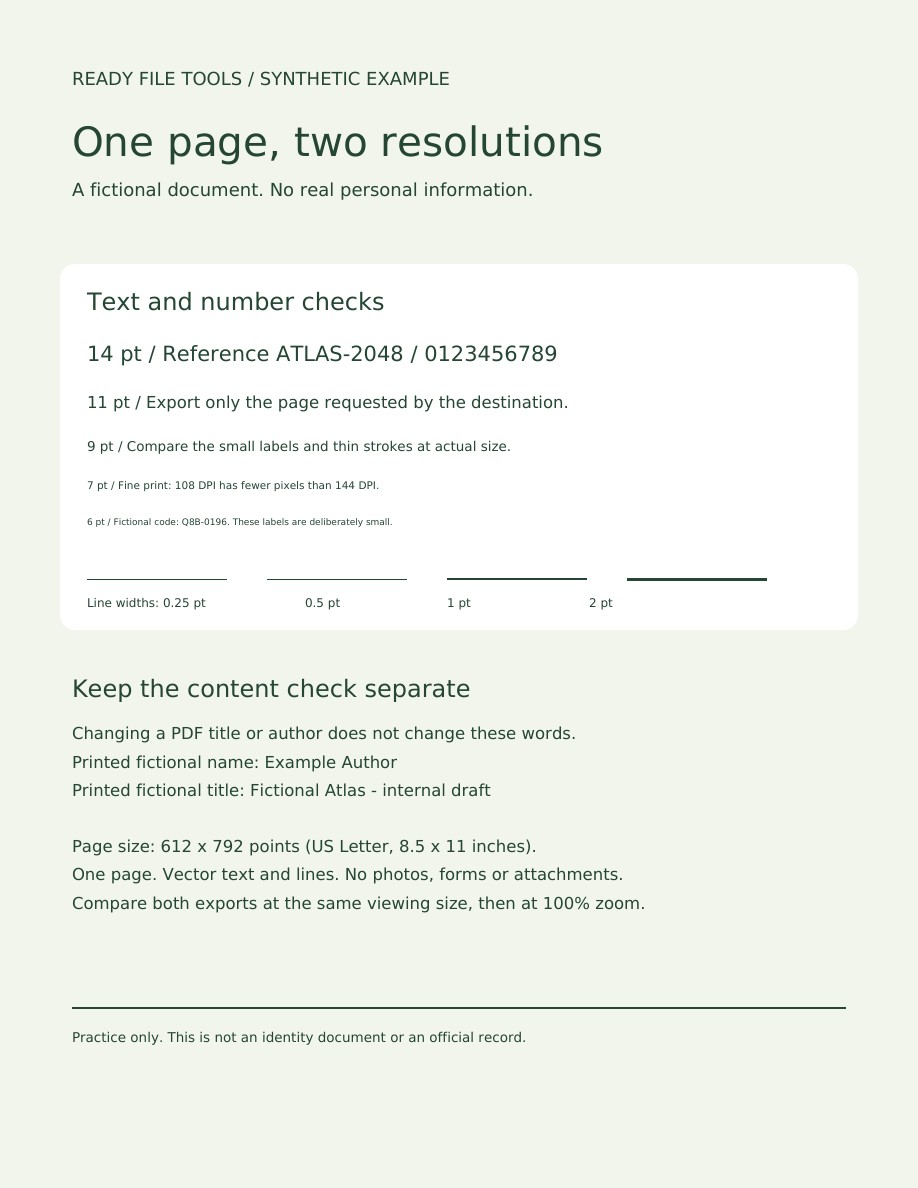
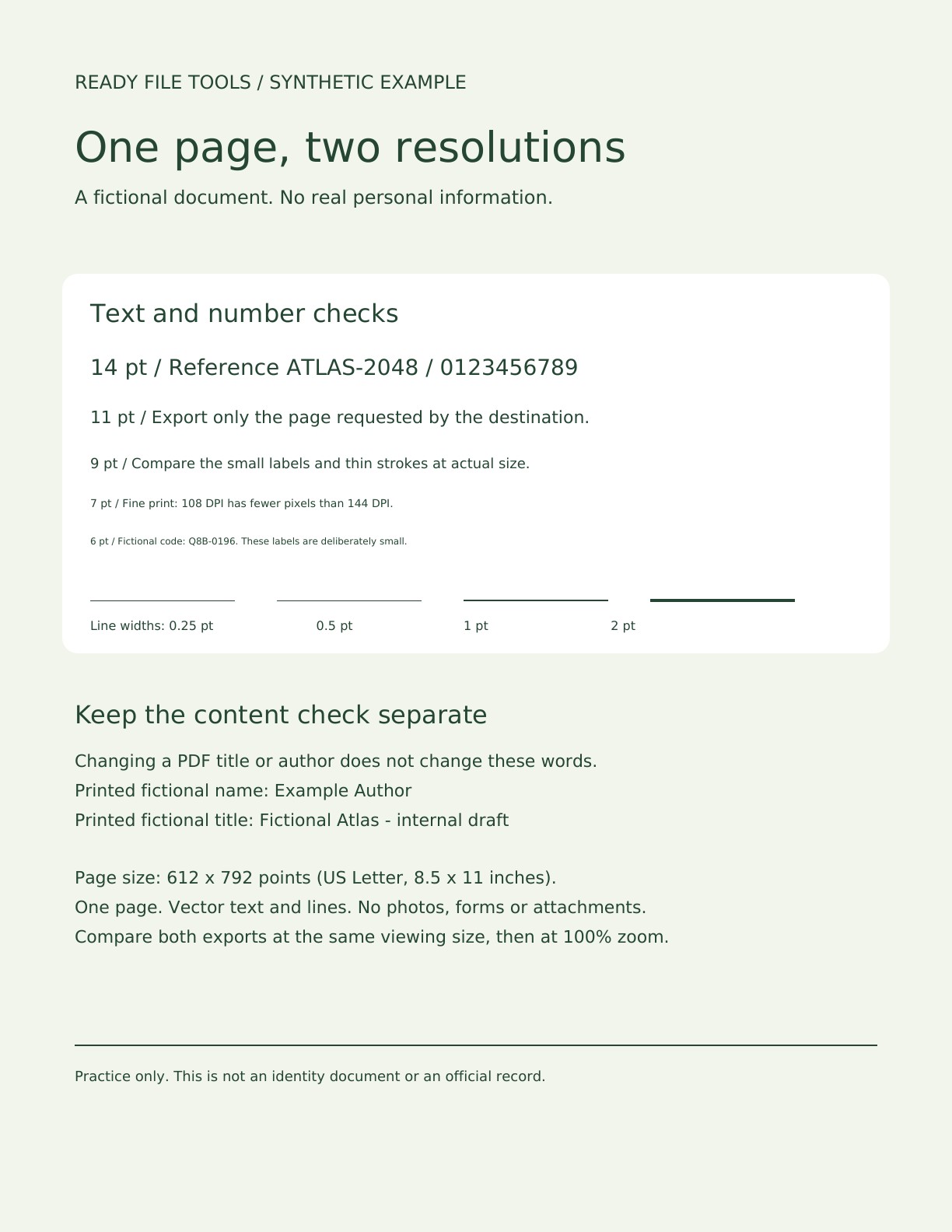
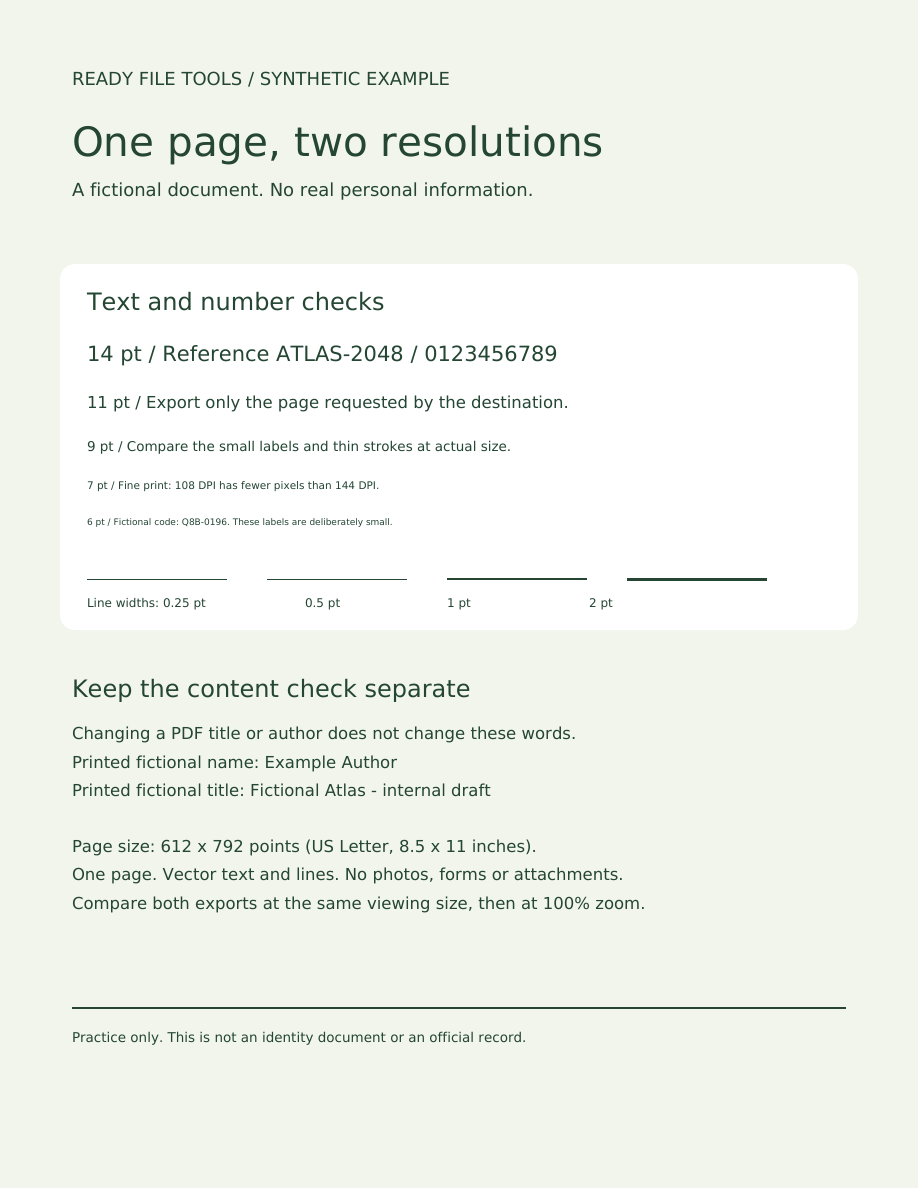
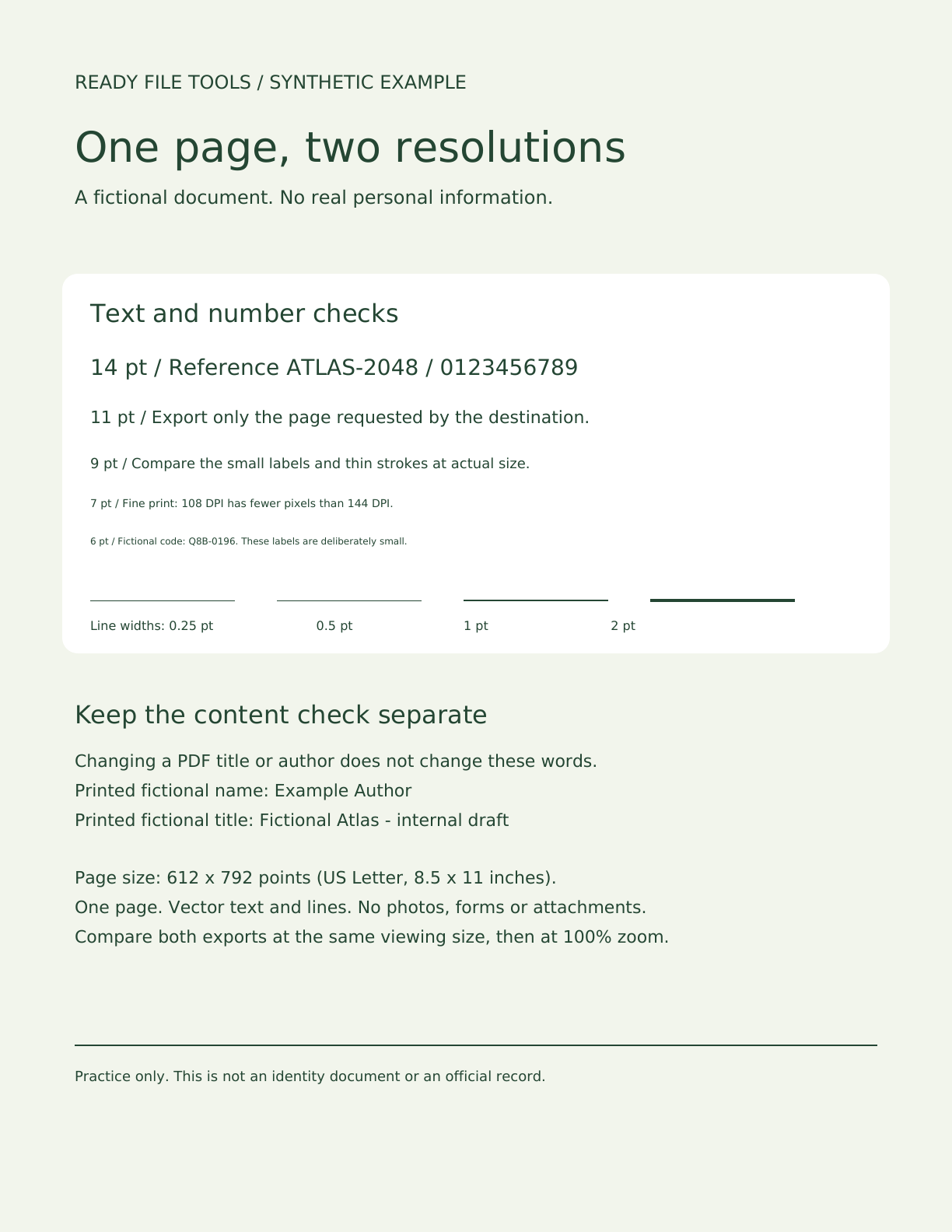
In this sample, 144 DPI adds about 78% more pixels, while PNG grows about 32% and JPG about 45%. More pixels give small letters and thin lines more detail to work with, at a larger file size. Inspect the 6 pt and 7 pt lines at 100% zoom; the reduced previews above are not enough to judge them. PNG is smaller than JPG here, so JPG is not always the smaller choice.
Method (12 October 2026): a synthetic PDF with an embedded font was created with ReportLab. Page 1 was exported offline with Poppler 26.05.0 (pdftoppm), using JPG quality 90. Pillow checked image dimensions; byte counts came from the files themselves. The site uses PDF.js and the browser image encoder, so this is an independent resolution comparison, not a benchmark of site output or a promise of identical file sizes. Fonts, photos, encoders and device-protection limits can change results.
Practice file