Check a file that is small enough but has the wrong dimensions
Practice rules: PNG format, no more than 100 KB, and exactly 800 pixels wide by 800 pixels high. These are demonstration rules, not requirements attributed to a particular organisation.
1. Check the original
Download the original — 1600 × 1200 pixels.
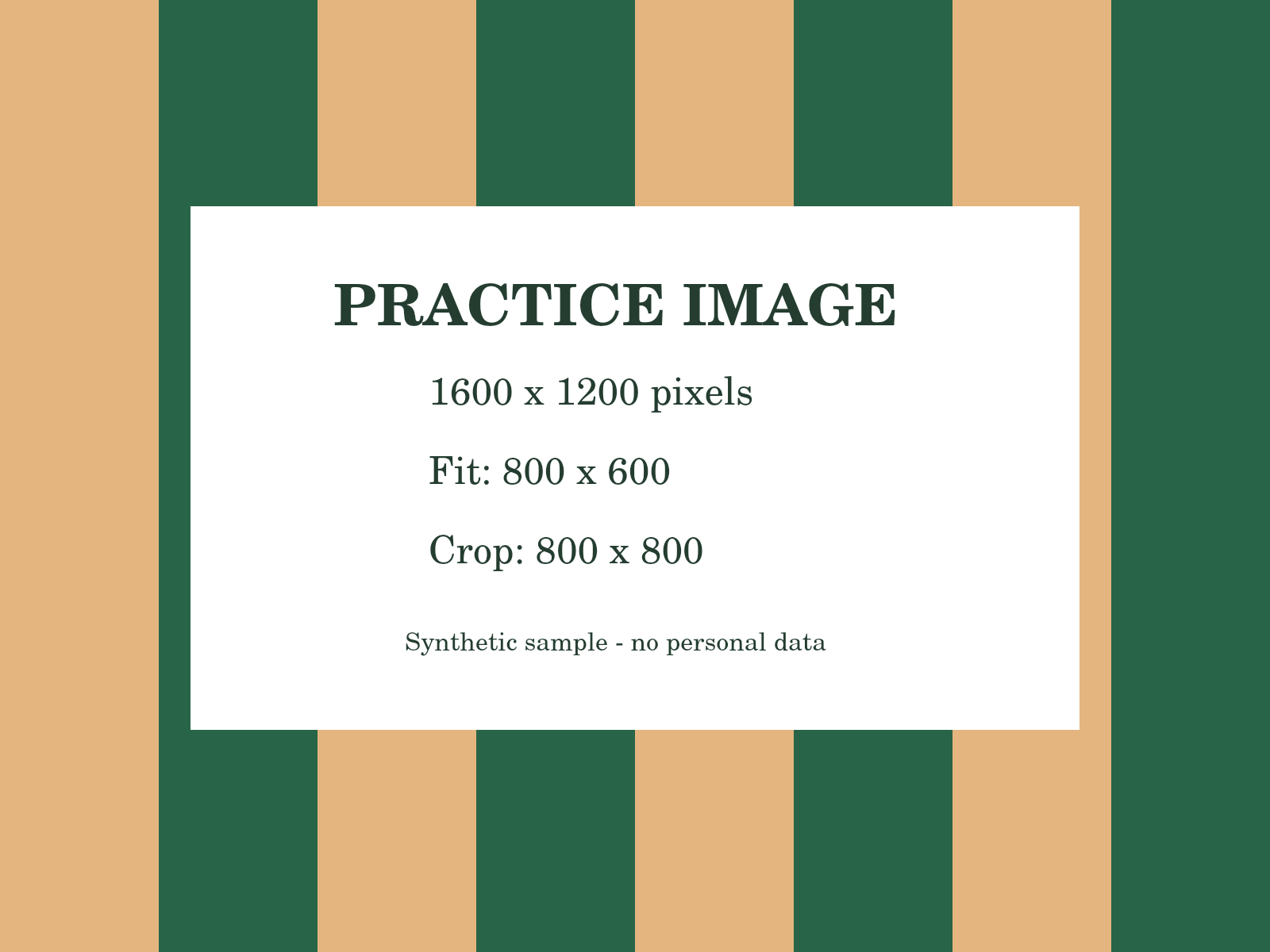
Format: pass. File size: pass. Width: fail. Height: fail.
2. Why Fit is insufficient
Download the Fit result — 800 × 600 pixels.
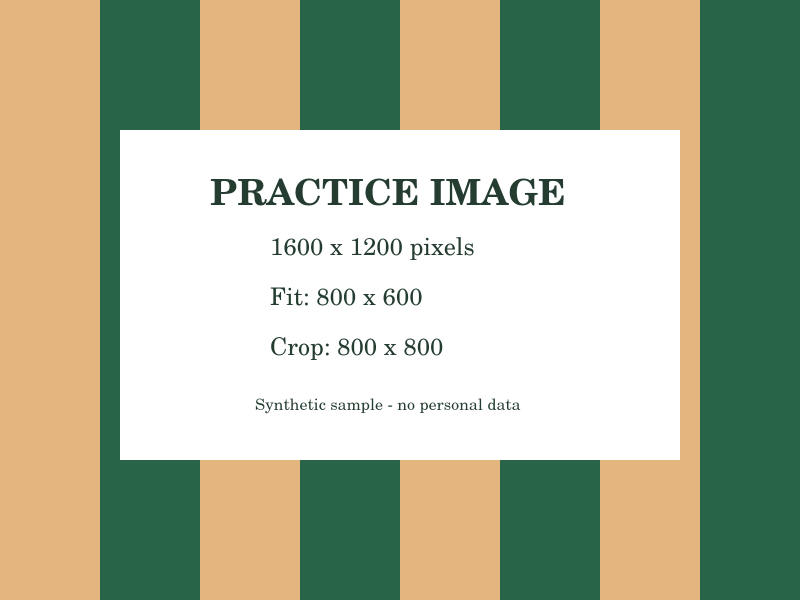
Format, file size and width: pass. Height: fail; the requirement is 800, not 600.
3. Crop and recheck
Download the Crop result — 800 × 800 pixels, 51,213 bytes.
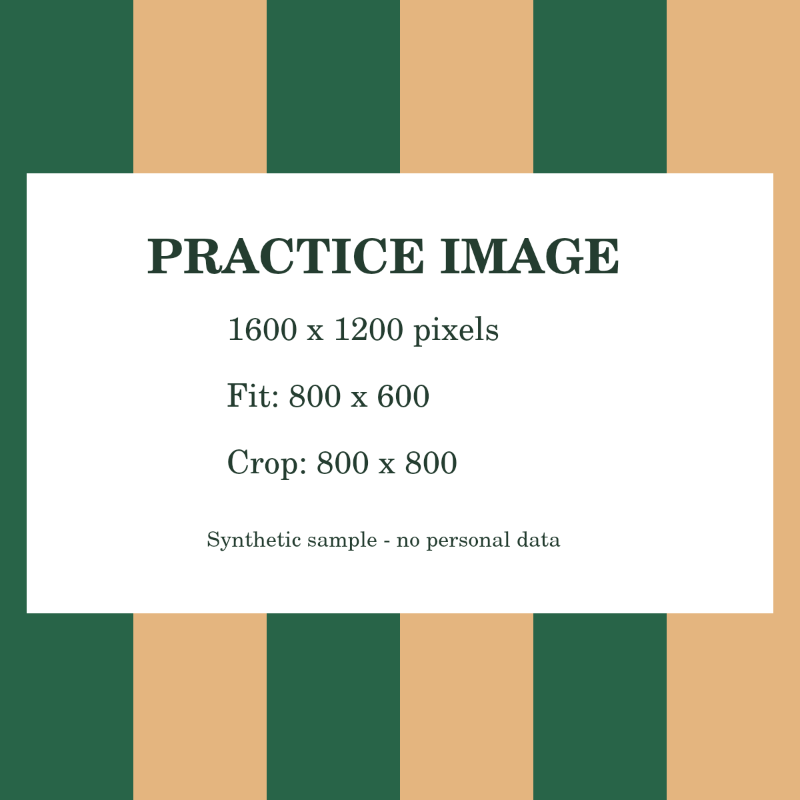
Format, file size, width and height: all pass.
To reproduce this, enter the rules above and check the original. Open Image tools, crop to a square and export at 800 × 800 pixels as PNG. Check the output against the same rules; if it exceeds 100 KB, adjust the export settings and recheck.
Passing means the file matches the rules you entered. It does not guarantee acceptance by an external service or validate the document’s content. 1 KB = 1,000 bytes.
How to use this tool
- Choose your fileRead the destination website’s file requirements.
- Set up your taskEnter the relevant limits, then select your finished image or PDF.
- Review & downloadReview the reported checks and adjust the file if needed.
TRY IT & CHECK THE RESULT
Check the exact file you will submit
Suppose a form asks for a PDF below 300 KB and no more than three pages. Select PDF, enter 300 for maximum KB and 3 for maximum PDF pages, then choose your final downloaded copy. The checker uses 1 KB = 1,000 bytes, so that size limit is 300,000 bytes.
Download the practice PDF · Synthetic content, no personal data.
What to check in your result
For images, check the requested width and height too. A file can pass a size check and still have the wrong dimensions. The tool checks your supplied technical rules; it does not validate document identity, signatures, required wording or the receiving website’s private rules.
If the result is not what you expected
If a form rejects a file that passes here, compare its units, accepted formats and exact-dimension rules. Check the new output rather than the original after any conversion. Passing this checker does not upload your file or guarantee acceptance elsewhere.
Limits and what to review
Checks cover technical file properties, not document content, authenticity, or eligibility. Passing a check does not guarantee that a destination website will accept the file.
Frequently asked questions
Can this submit my file to another website?
No. It checks the selected file locally against the rules you enter. Submit it yourself through the destination website.
Which dimensions are checked?
Pixel width and height apply to image files. PDF checks use file size and page count instead.
Are my files uploaded to a server?
Files are processed within your browser session. Download results before closing the page; there is no cloud document history.