See the difference: Fit and Crop
Compare the three downloadable files below. If a form requires exactly 800 × 800 pixels, Fit is insufficient: it preserves the whole image but produces a height of 600 pixels. Crop fills the square by removing parts of the sides without stretching the image.
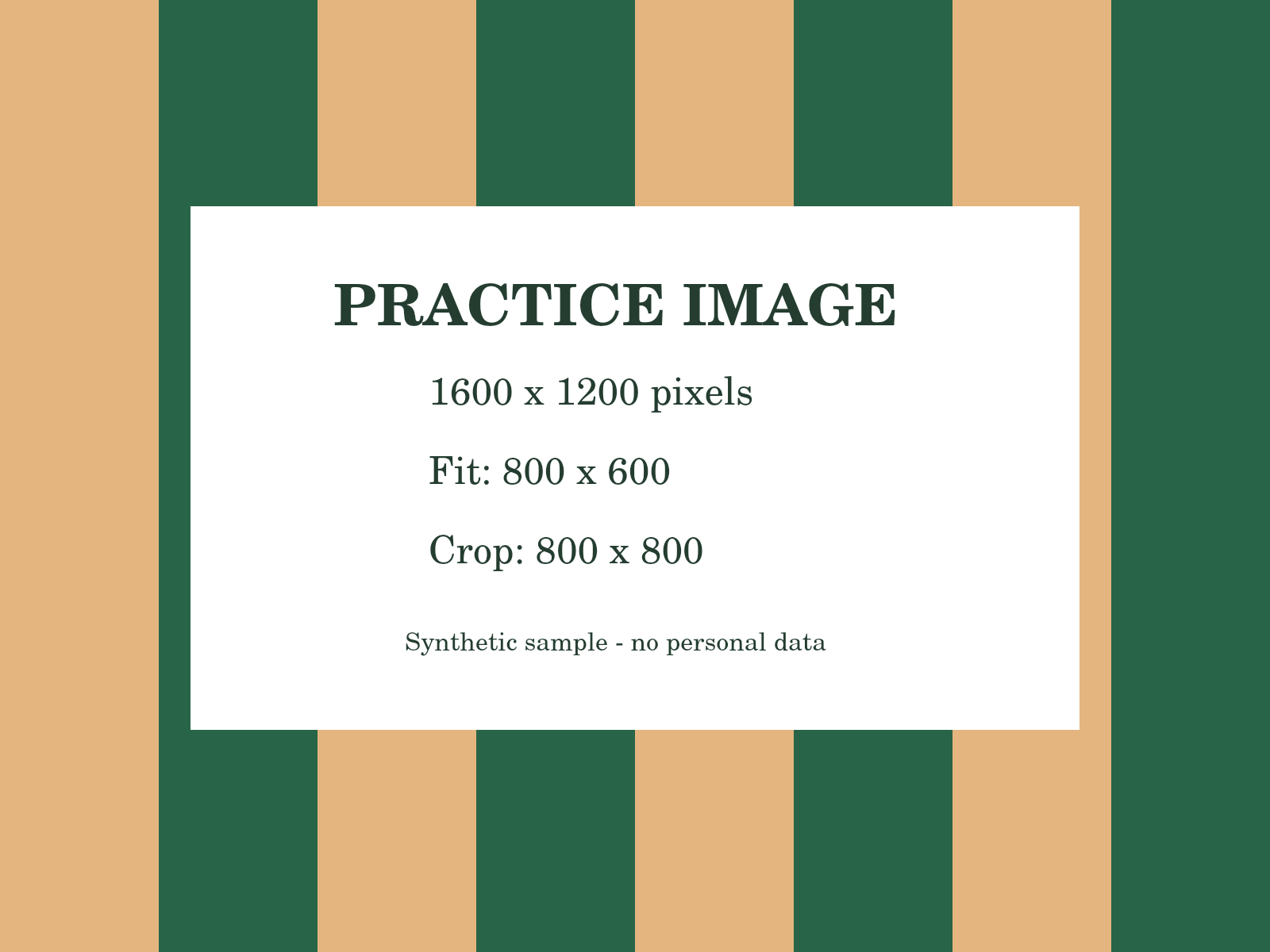
PNG · 1600 × 1200 px · 68,114 bytes
Download file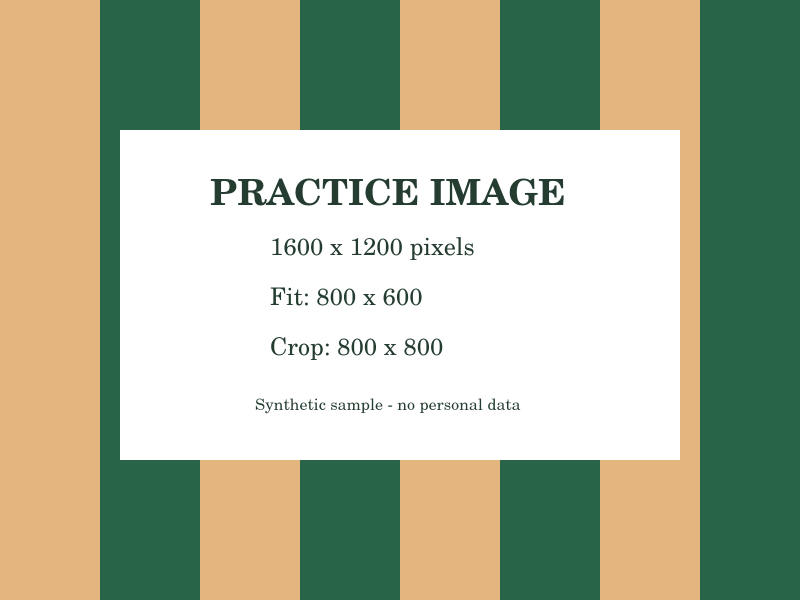
PNG · 800 × 600 px · 31,806 bytes
Download file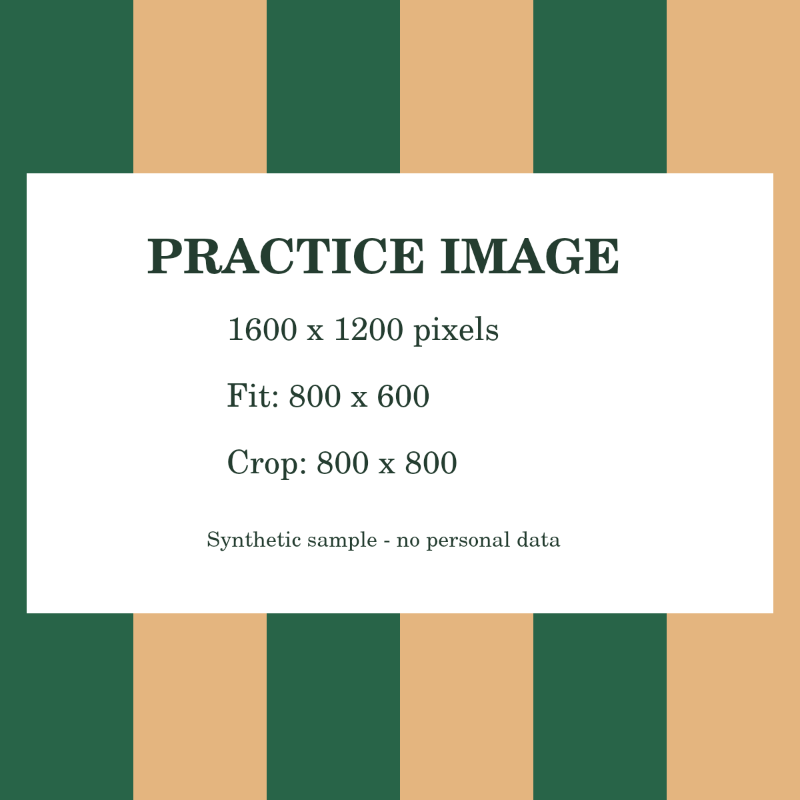
PNG · 800 × 800 px · 51,213 bytes
Download fileReview content near the edges before saving a crop, especially faces and text. File sizes shown belong to these downloadable reference files; re-exporting in your browser may produce different byte sizes. Here, 1 KB = 1,000 bytes.
How to use this tool
- Choose your fileChoose a supported image up to 25 MB and 40 megapixels.
- Set up your taskAfter choosing an image, enter optional upload requirements. Choose Fit for maximum dimensions or Crop for exact dimensions, then set the output format and target KB.
- Review & downloadPrepare the image, review its clarity and file size, then download.
TRY IT & CHECK THE RESULT
Prepare a photo for a size-limited form
Read whether the form specifies file size, pixel dimensions, or both. Enter its maximum KB value and, if needed, maximum width and height. In Fit mode, a 1600 × 1200 image constrained to 800 × 800 becomes 800 × 600. Choose exact crop for an 800 × 800 square and position the crop in the preview.
What to check in your result
Check the actual downloaded size and dimensions with File checker. JPEG is commonly suitable for photos, while PNG can retain transparency. Very small limits may reduce detail; exact output dimensions are preserved even when the size target cannot be met. Zoom in on faces, text and edges before submission.
If the result is not what you expected
Fit mode preserves proportions. If a form demands a square or exact dimensions, choose Crop to exact dimensions in this tool and review the orange preview border. Renaming a PNG to .jpg does not convert it; choose the required output format and download the result.
Limits and what to review
Fit mode keeps the original proportions; exact crop trims to your chosen dimensions. Compression can reduce clarity, and very small targets may not be achievable. In these tools, 1 KB means 1,000 bytes.
Frequently asked questions
Will my image be stretched?
No. Maximum dimensions are applied while preserving the original aspect ratio.
Can it guarantee acceptance by an upload form?
No. Check the destination’s size, format, and dimension rules, then verify the finished file with File checker.
Are my files uploaded to a server?
Files are processed within your browser session. Download results before closing the page; there is no cloud document history.