Try a mixed-size merge
Download these two practice files, put the cover first and the attachment second, then merge them. Compare your output with the reference below. These synthetic files contain no personal information.
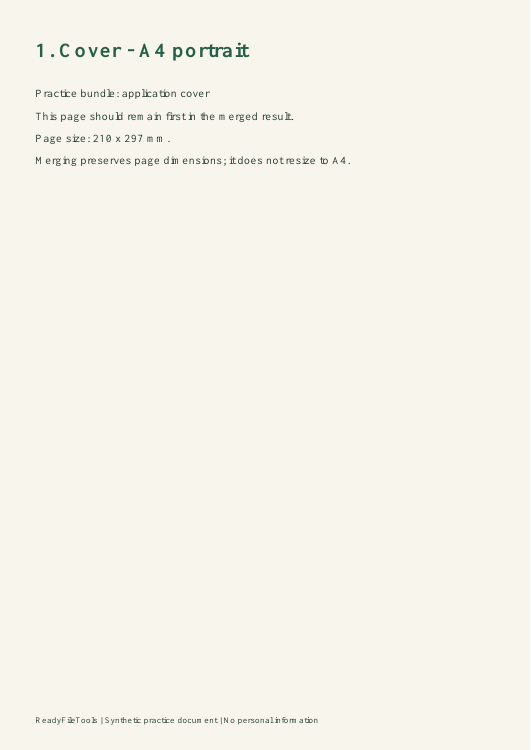
One page, 210 × 297 mm.
Download file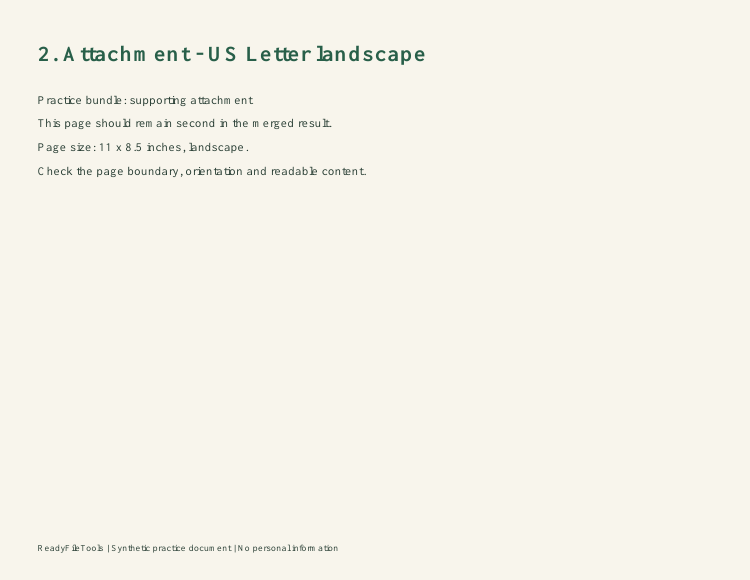
One page, 11 × 8.5 inches.
Download fileDownload the reference merge — two pages
Check the page order, orientation and boundaries. Each page keeps its original dimensions; merging does not automatically turn the attachment into A4.
This sample contains no form fields or links. It cannot demonstrate whether those elements survive in your own files: inspect important field values and links after merging. For a form-field example, use the PDF form flattening and checking guide.
How to use this tool
- Choose your fileSelect two or more PDFs from your device.
- Set up your taskUse the file-order controls to arrange the documents before merging.
- Review & downloadCreate the result, review the combined document, and download it.
TRY IT & CHECK THE RESULT
Build an application bundle
Start with a cover PDF, followed by the supporting documents. The list on screen determines the document order; choosing files in a file picker may not give the order you intended. Move the cover to the first position before creating the result. To rearrange individual pages afterward, download the merge and use Extract pages.
Download the practice PDF · Synthetic content, no personal data.
What to check in your download
Add the source page counts and compare with the downloaded PDF. Check the boundary between each pair of documents for a missing or repeated page. Portrait and landscape pages can remain different sizes; merging does not make them all A4.
If the result is not what you expected
Only one file selected? Merge needs two PDFs. A form appearance error means a source field lacks a saved visible value: open that source in its original viewer, save a reviewed copy, and retry. Keep editable originals because supported fields become fixed.
Limits and what to review
Up to 20 PDFs, 25 MB per file, 50 MB combined input and 50 pages total. Supported form fields are flattened; bookmarks and some links may not carry over.
Frequently asked questions
Can I choose the document order?
Yes. Reorder the selected files before creating the merged PDF. Pages within each source document keep their existing order.
Can I merge password-protected PDFs?
Export an unencrypted copy using the original application and your password first. This tool does not unlock protected documents.
Are my files uploaded to a server?
Files are processed within your browser session. Download results before closing the page; there is no cloud document history.